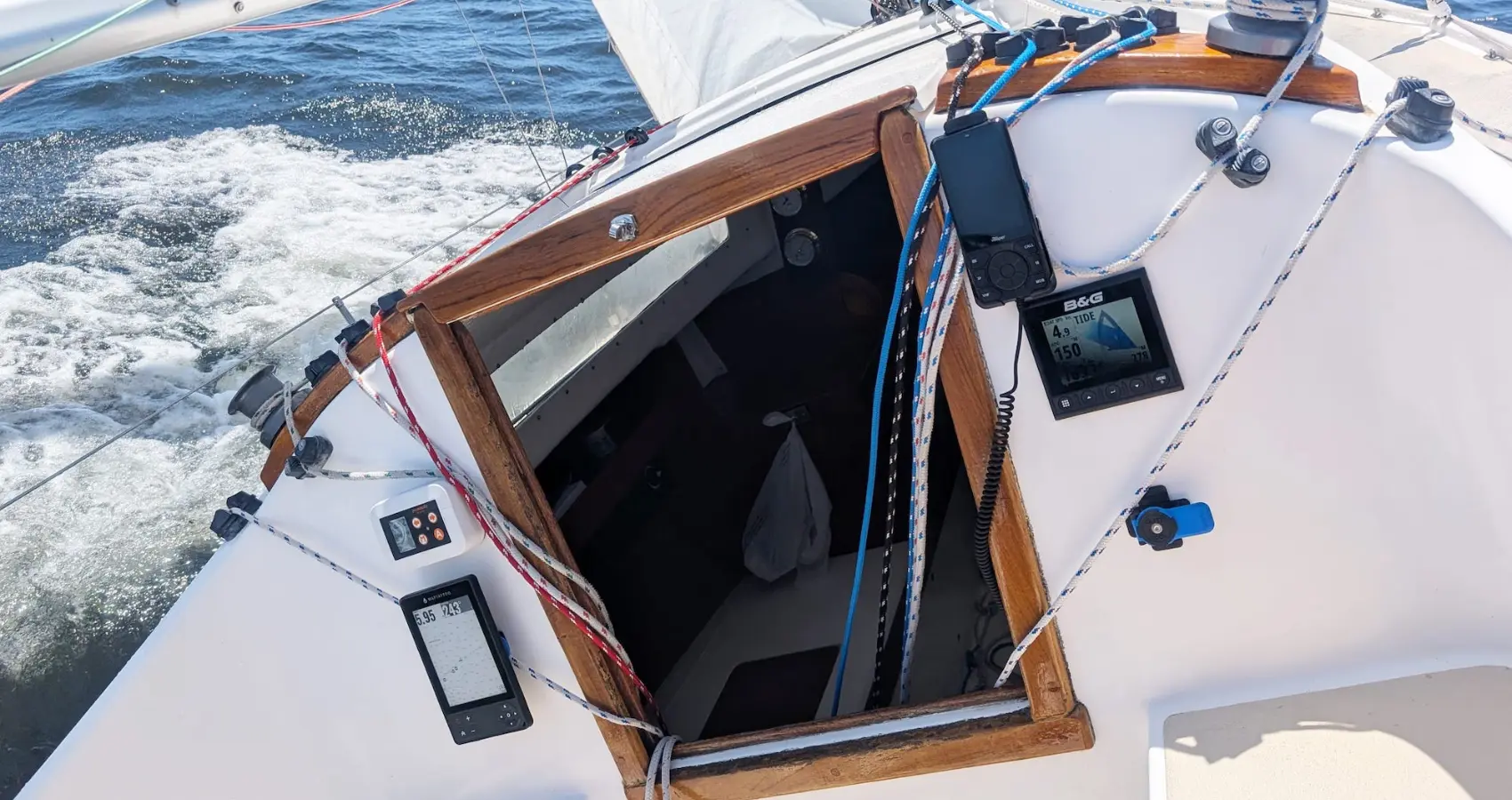
Take A Look Inside
Your new navigation aid is out of the box. Here’s how to go from cardboard to cockpit.
MAPTATTOO started on a 20-foot row-and-sail boat in the Race to Alaska. A phone running a chart app was the team’s only navigation, and it was hard to read in the sun, short on battery and nearly useless with wet hands. So we built the tool we wished we had.
Here’s what you can find inside the box, how to charge and power on, and the controls you’ll use most. You can try all of it from your kitchen table.
Inside the box
Every MAPTATTOO is assembled by hand in Chicago, and we wanted opening it to feel like the start of a trip. Here’s the whole thing, start to finish.
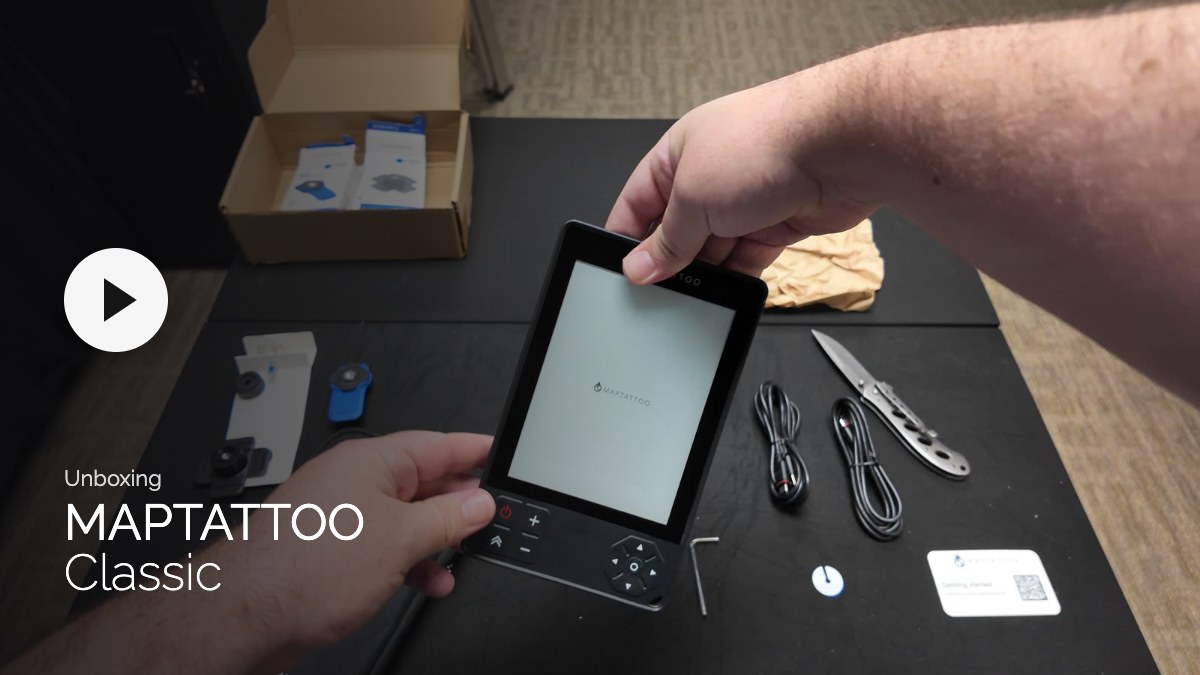
Classic
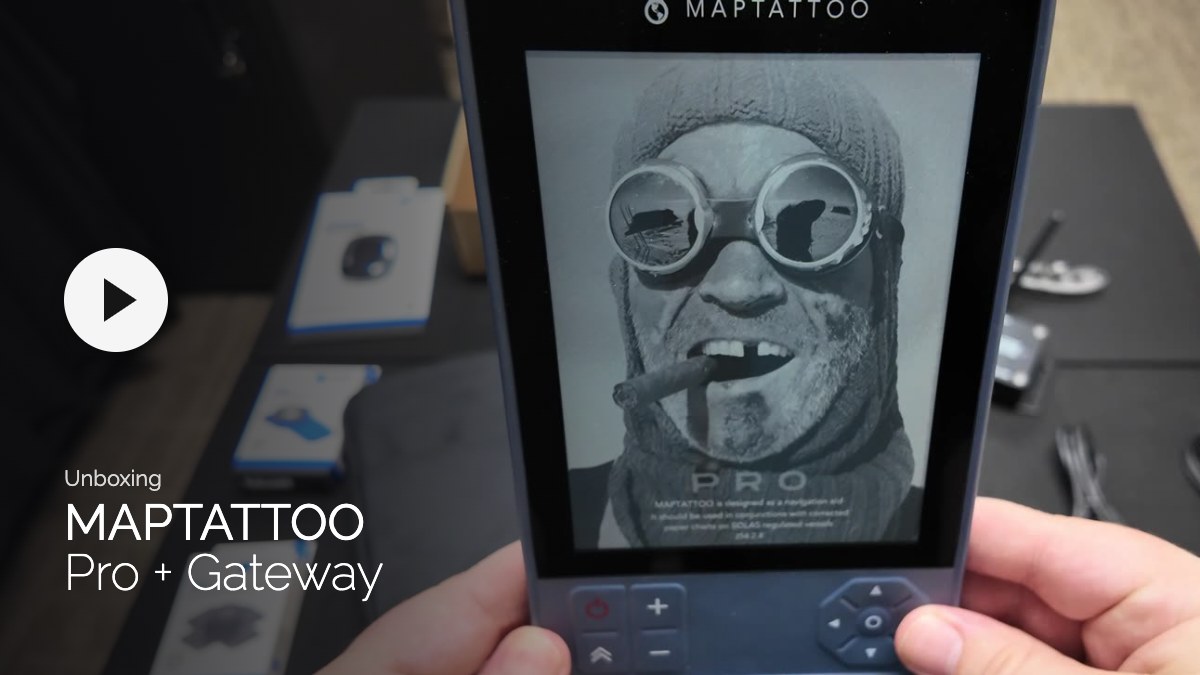
Pro + Gateway
What you’ll find inside
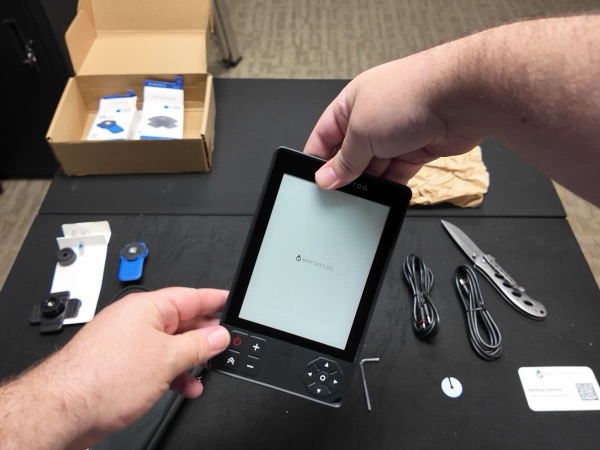
Your MAPTATTOO
Classic or Pro, wrapped in paper.
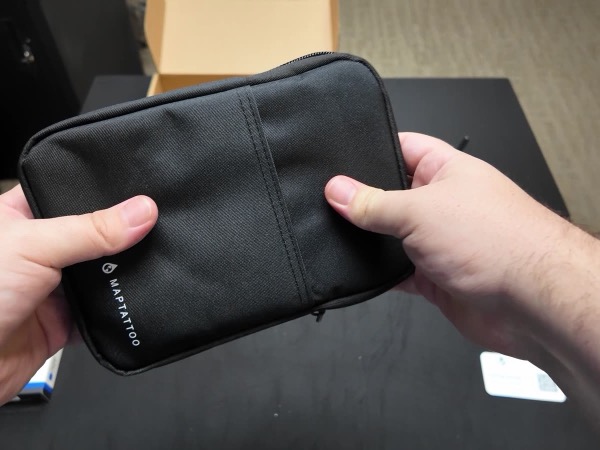
A padded protection sleeve
Keeps the screen safe between trips.
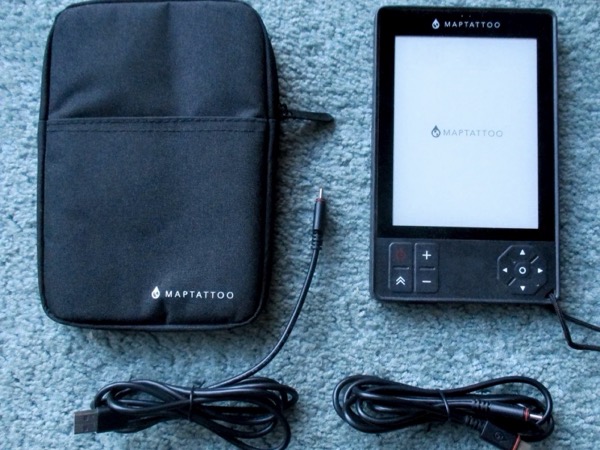
Two waterproof USB cables
USB-A to USB-C and USB-C to USB-C, both 5 ft.
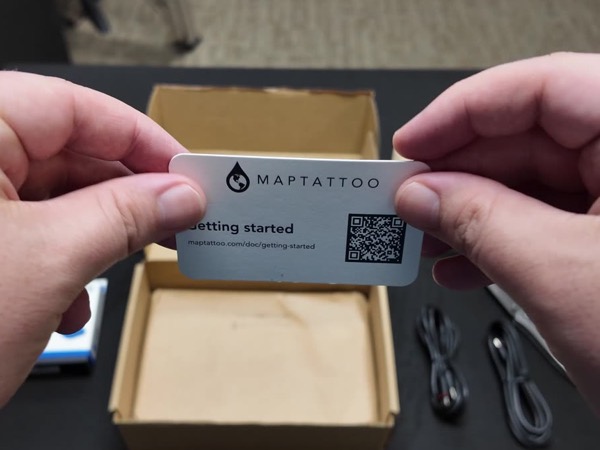
A getting-started card
The QR code opens our setup guides.
Your free chart package
The region you picked at checkout, already installed, with a year of free updates.
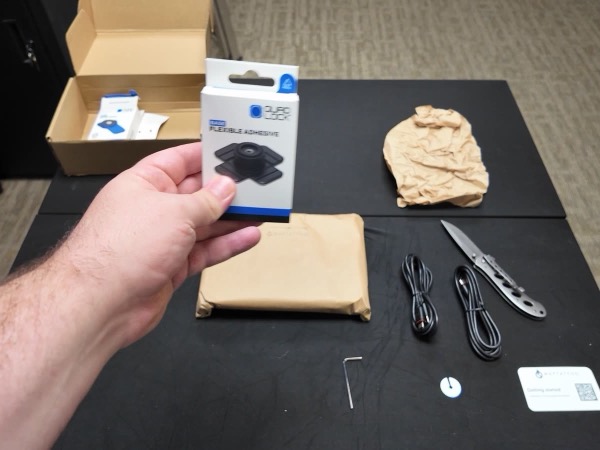
Quad Lock mount kit (optional)
If you added it to your order, you’ll also find a lever head, an adhesive base and a universal adaptor.
Bluetooth Gateway (in the Pro box)
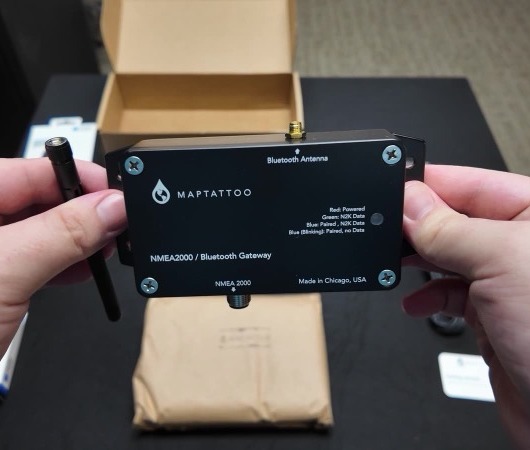
If you ordered the Gateway with your Pro, it’s in the same box. It connects to your boat’s NMEA 2000 network and sends instrument and AIS data to the Pro over Bluetooth.
To connect, open Menu › Connect on the Pro and choose MAPTATTOO N2K. Give it up to 30 seconds, and AIS targets appear on the chart.
First charge
Your MAPTATTOO is waterproof, and that includes the charging port. A few seconds of care keeps it that way.
- Remove the cap from the USB port.
- Push the USB-C end in firmly so the O-ring seals. When it’s seated, you won’t see the red O-ring from the back.
- Plug the other end into any USB charger.
The blue light stays on while charging and goes off when the battery is full.
A paper-like screen that stays readable in direct sun, even through polarized sunglasses.
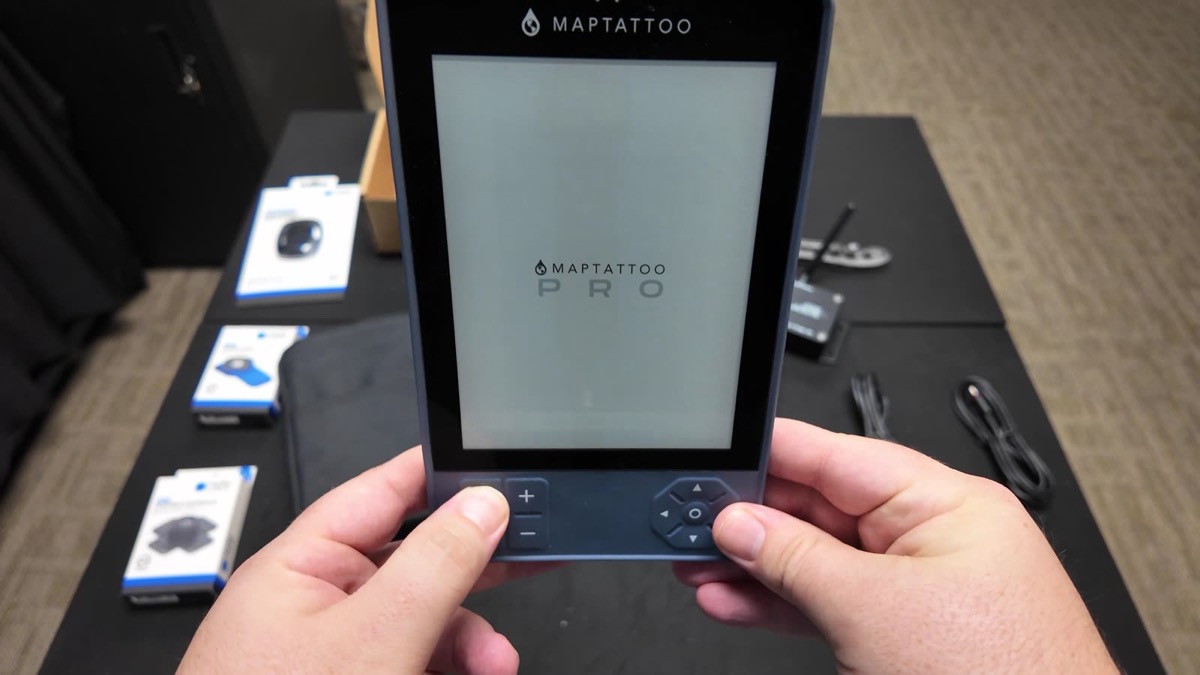
Power on and get a fix
To turn it off later, hold ON/OFF until the logo appears.
Mounting it aboard
There’s nothing to wire, so mount it wherever you can see it. Most owners use the Quad Lock kit or a strip of 3M Dual Lock tape, and kayakers often clip it to a deck line.
Note: MAPTATTOO is waterproof, but it doesn’t float. Use a lanyard on anything small and tippy.
Finding your way around
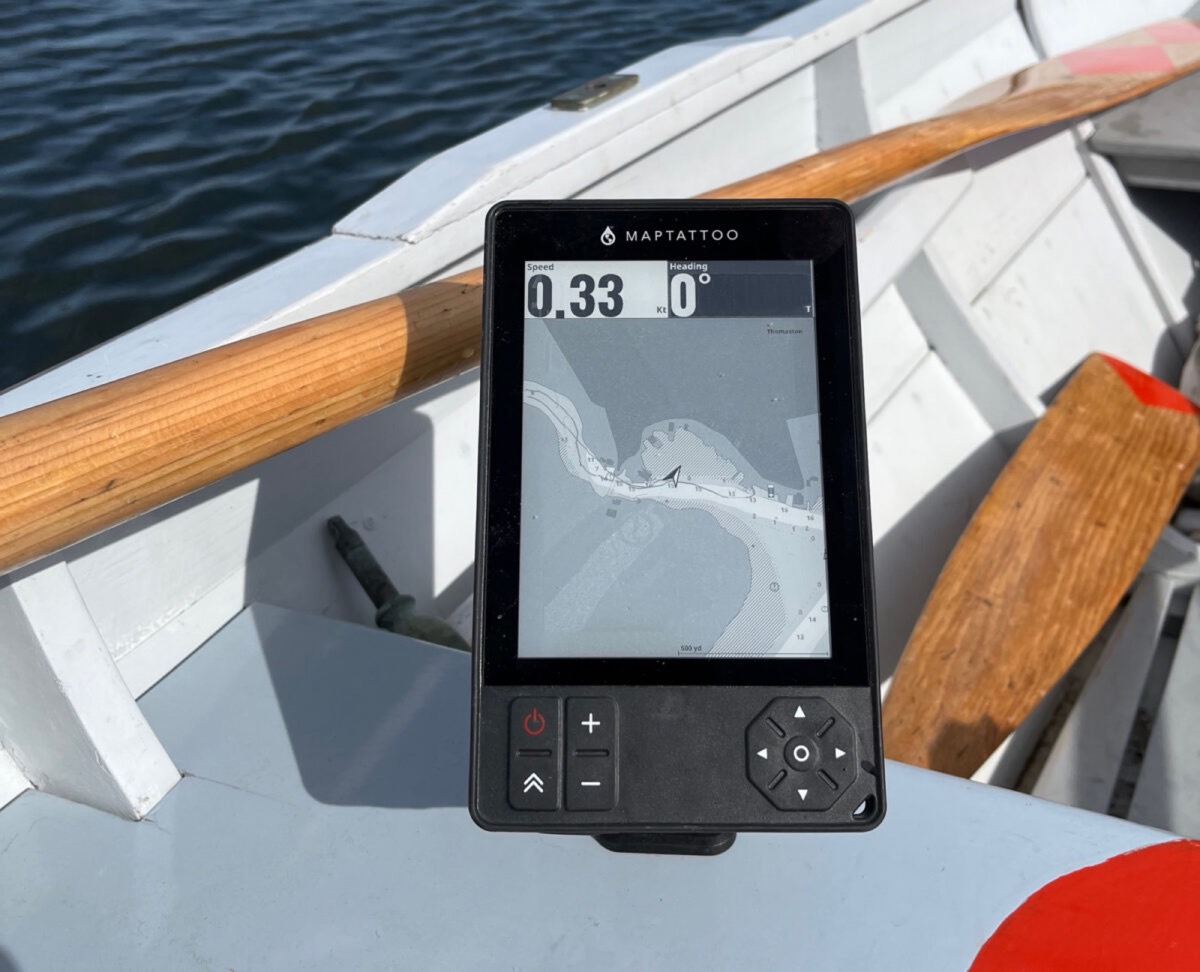
MAPTATTOO works by touch, and by the keypad for when your hands are wet or the boat is bouncing.
Pan — Drag, or use the arrow keys
Zoom — Pinch, or press + −
Center — Press Center and the chart follows your boat
Chart details — Tap a light, buoy or bridge
Front light — Menu › LIGHT for High, Low or Off
Rough water — Menu › Touch turns off the touchscreen when spray causes stray taps. The keypad keeps working.
If you ever see a faint shadow of the last screen, a quick press of ON/OFF refreshes it.
We’re here when you need us
Every MAPTATTOO is assembled and repaired in Chicago, and the people who build it answer your questions. We also release free software updates through the year.
Email: support@maptattoo.com
Firmware, chart updates and support tickets: My Account on maptattoo.com
Instagram: @maptattoo.instruments
Once you’ve been out, we’d love to see it. Tag us or email a photo from your first trip, and you might be our next explorer feature.
Happy exploring,
Erwan and the MAPTATTOO team